
Help others and earn points
You know your way around? Then help others – every idea moves someone forward. Good answers earn points, levels and badges.
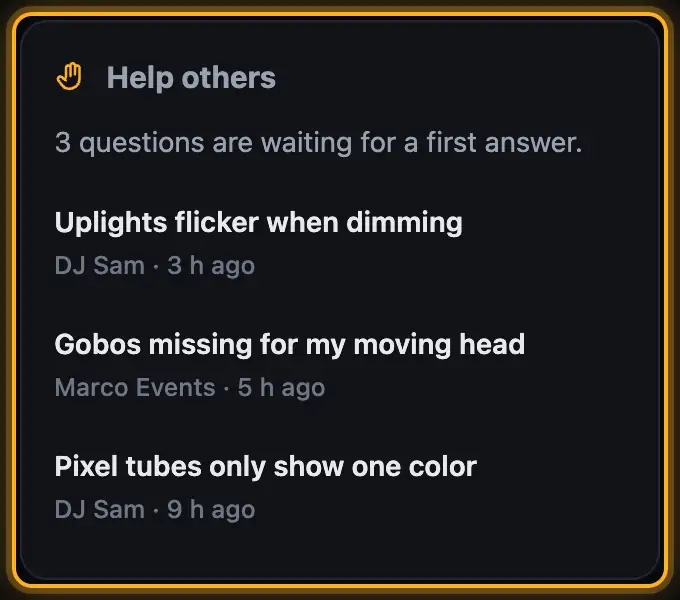
Step by step
- Open a question. Under Fixtures and view you see what the person is working with.
- At the bottom under Your answer, write what helped you. The more precise the better – step by step is great.
- Attach screenshots with Attach image or paste them with ⌘V / Ctrl+V.
- Tap Send answer.
Good to know
- If the person who asked marks your answer as the solution, you get 15 points. Every Helpful earns 3 points.
- You can also mark other people's answers that helped you as Helpful.
- Top helpers shows who helped most in the last 30 days.
- Your points, your level and which badges you're still missing are on your profile page (see Community profile and badges).
- Matching guides from the help appear next to the question – often you can simply point to them.
More from “Community”
- The community: questions, answers and showsIn the community, DJs help each other: you ask questions, answer others and show your shows. Others see them in 3D and can use them on their own lights with one click. The community is for signed-in users only.free to read
- Ask the community a questionStuck? Ask the other DJs. While you type, the community already shows solved questions and matching guides – often the answer is already there.free to read
- Viewing a show in the communityEvery show in the community runs in a 3D preview, just as it looks for its creator. Next to it you see which lights it was built for and whether it fits your rig.free to read
- Use a show from the community on your lightsLike a show from the community? Add it to your designer with one click. The designer adapts it to your fixtures – you see it in 3D right away.free to read
- Show a show in the communityShow your best shows: others see them in 3D, give hearts, comment – and can use them on their own lights.free to read