
Preparing and playing the evening run sheet
In the evening run sheet you set up the moments of an evening as steps, e.g. reception drinks, first dance and party. Each step remembers what should run. The space bar moves on to the next step, like a cue list.
Step by step
- Tap “Run sheet” in the header.
- Add steps in one of two ways:
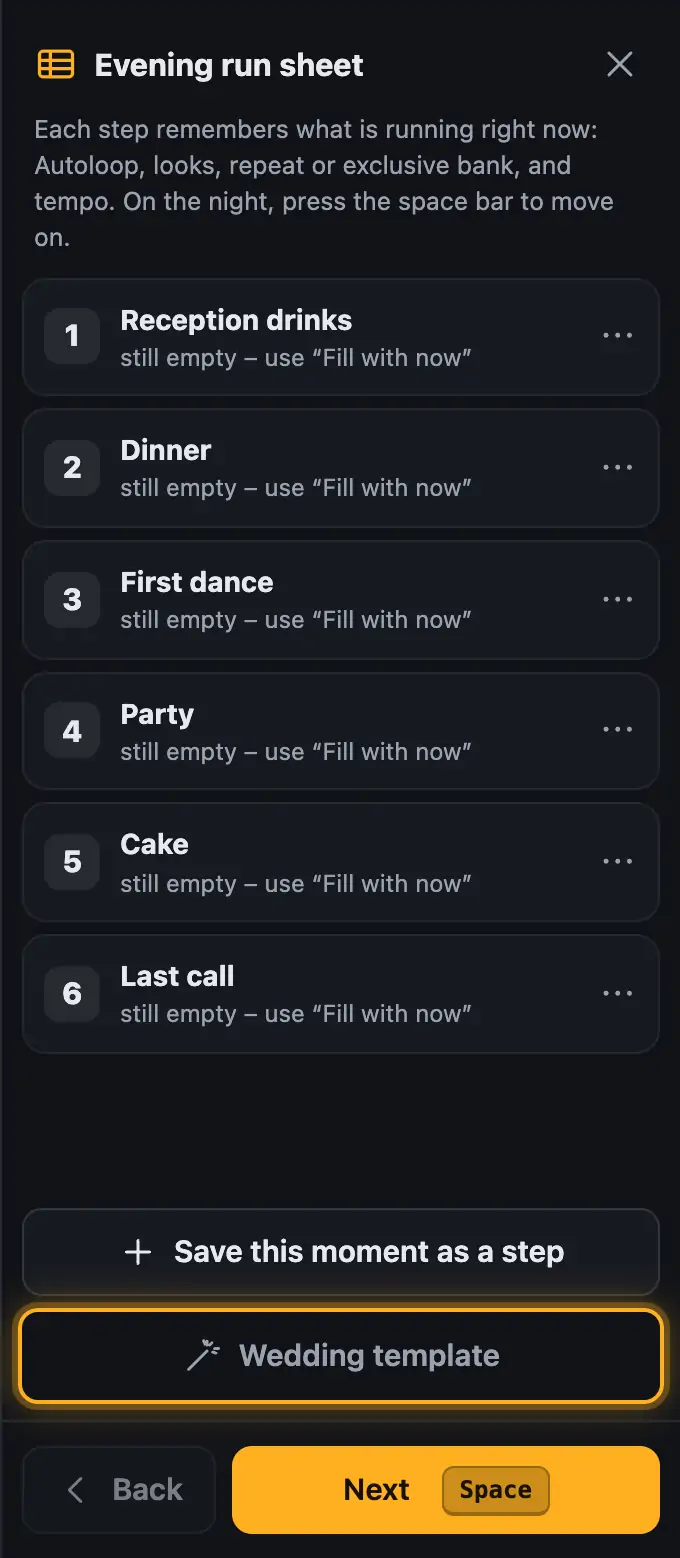
The template creates the evening's steps. - Set up what should run (Autoloop, looks, tempo) and tap “Save this moment as a step”.
- Or tap “Wedding template”. This adds the empty steps Reception drinks, Dinner, First dance, Party, Cake and Last call.
- To fill an empty step: set up the lights, tap ⋯ on the step, then “Fill with now”.
- ⋯ also lets you rename a step (“Rename …”), move it (“Move up”, “Move down”) or delete it (“Delete”).
- To play, tap a step. It starts right away. “Next” at the bottom or the Space bar goes to the next step, “Back” to the previous one.
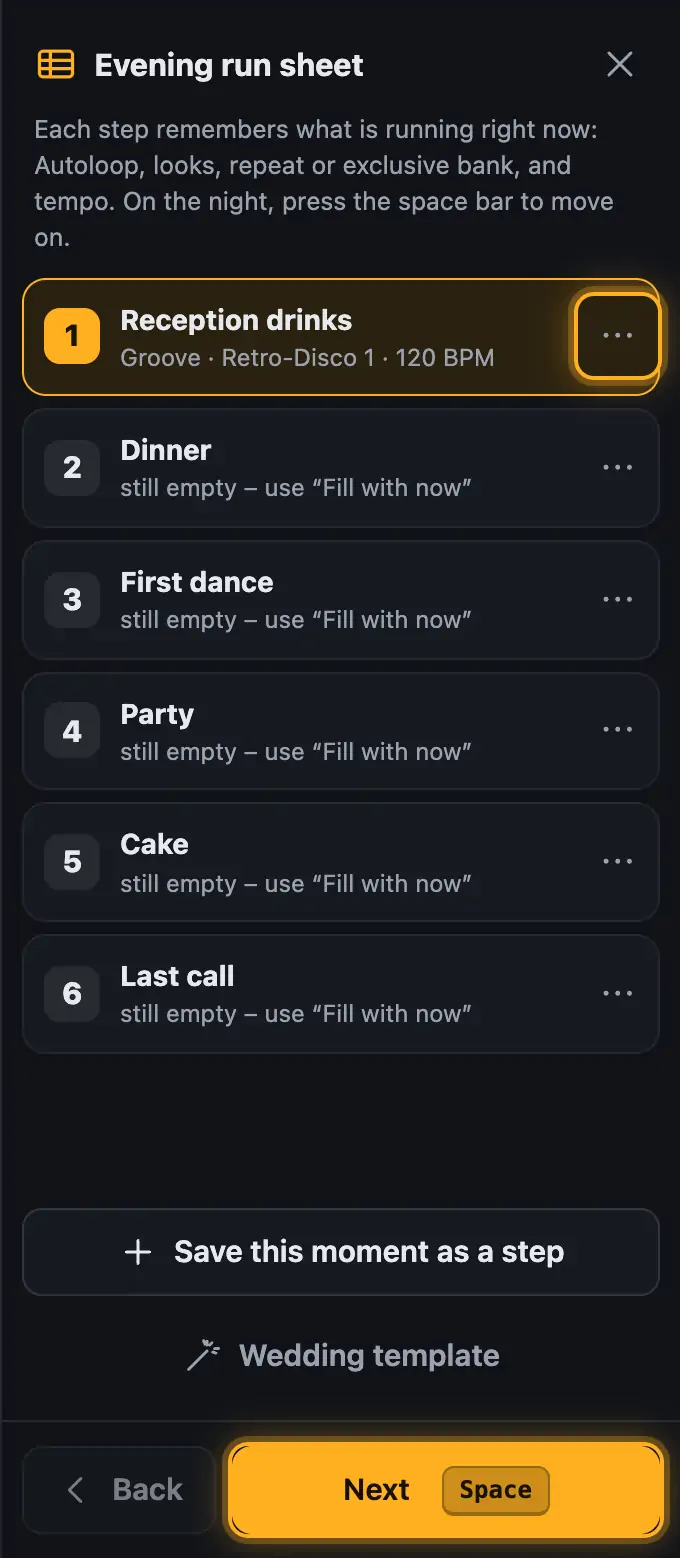
“Next” moves to the following step. - The running step is highlighted. Below each name you see what it contains.
More from “Live mode”
- Opening live modeLive mode plays all Autoloops, static looks and song shows of your project on the 3D stage, and you control them the way you do on the night: on the computer, on the PRIME 4 or on the Control One. That way you see how your shows work together before the gig.Summary
- Live Desk: control your show while you DJThe Live Desk is your own MIDI surface for SoundSwitch: on your computer, tablet and phone. It comes mapped to your show, with the names and colors of your loops and looks. There is nothing to learn or map.Summary
- Spot Director: guide your movers from your phone on the nightWith Spot Director you guide your moving heads from your phone or tablet during the event. Tap the floor and all selected heads go there together. Drag your finger and they follow the couple across the dance floor.Summary
- Choosing the controls: Perform, PRIME 4, Control One, StageAt the top of live mode you choose what the controls look like. Each layout recreates a device, so you pick your shows the same way you do on the night.Summary
- Playing Autoloops and static looks liveIn the “Perform” layout you see SoundSwitch 2.11 in Performance mode, just like on your laptop after clicking “MIDI”: the same tabs, buttons, colors and spacing. You play Autoloops and static looks there just as on the night.Summary